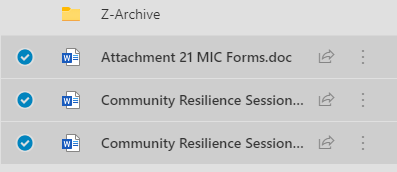
All SharePoint libraries should have access to Data Protection tagging columns titled Data Subject and Data Type.
See image below.
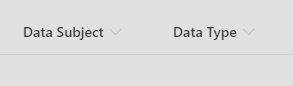
Please use these columns to identify the data subject (First and Last Name) and the personal data type: Special Category, Sensitive PII and Non-Sensitive PII data. For full Personal Data Type List, go HERE.
There are two ways to enter value.
Option 1
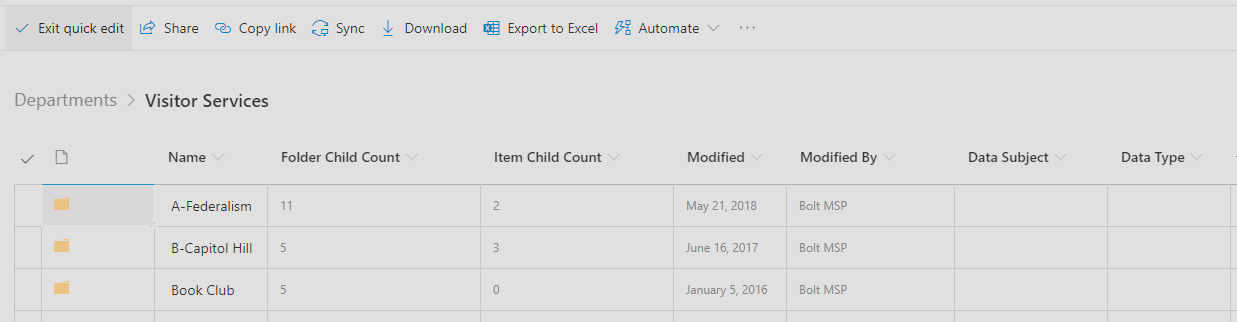
- Click the "Quick edit" option on the library top ribbon. This will open all value options to type in the Data Subject name(s) (Please limit to three names for now) and select Data Type(s).

- Once you're done, to exit Quick Edit, just click the "Exit quick edit" option at top of ribbon.
Option 2
- To enter the tagging information, first click on the selected file(s):

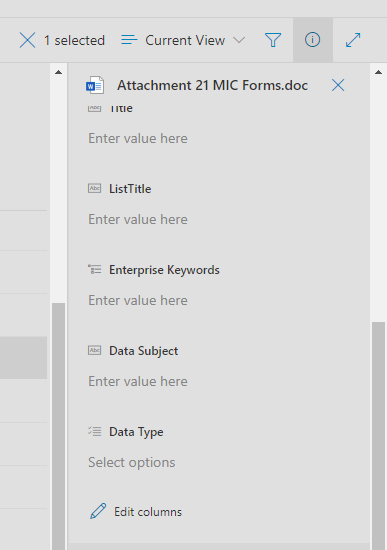
- Then, click on the Information icon on the top right side of library.
- See image below of the "i" in circle symbol:

- This will open up the details pane on the right side of the library file(s). See image below.
- Next, scroll down to "Enter value here" of Data Subjects' first and last name(s). (Please limit to three names for now)
- Then, under "Select options" enter Personal Data Type(s).
You can select multiple files to enter identical Data Subject(s) and Data Type information: