
If you have a new phone or would like to change your authentication method for MFA, follow the steps below:
1. Open a browser and navigate to https://myprofile.microsoft.com/
2. You should see the following:
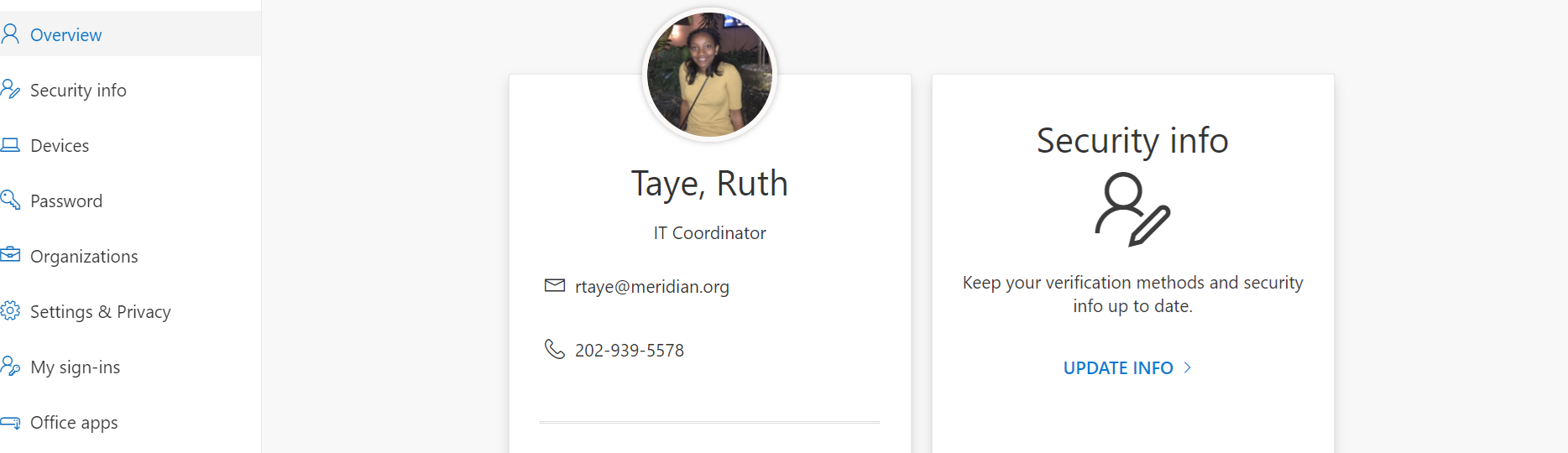
3. Click on Security Info, you should see the following
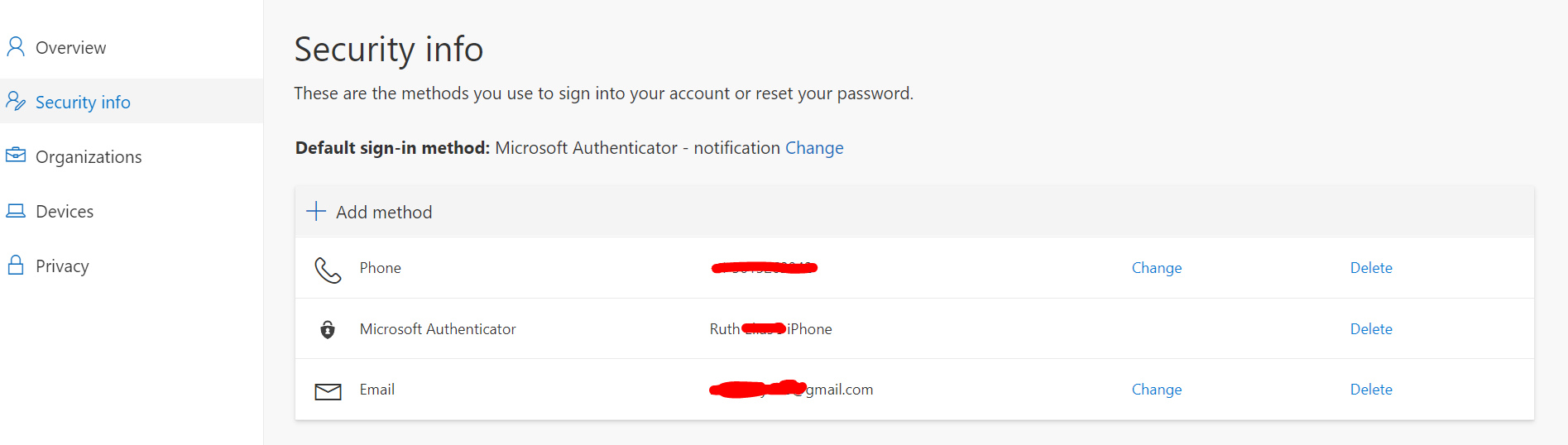
4. If you already see all accurate authentication methods listed and would like to change your default method, click on "Change" under the default selection and choose the accurate option.
5. If you would like to add a new method(new number or new phone) Click on "+ Add method" under the Default sign-in method and follow the prompts to add your new method.
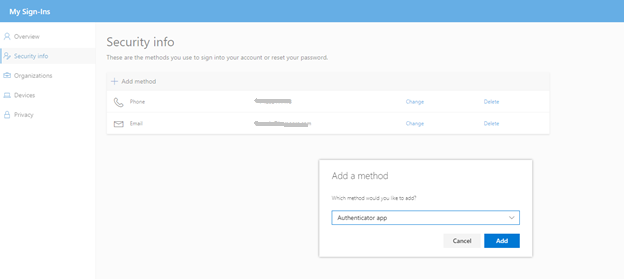
7. Once setup is complete, you should see your preferred method changed like below.