
Meridian provides a secure guest wireless network for visitors, meeting participants, and temporary users who require internet access while on-site.
Network Information
Wi-Fi Network Name (SSID): Guest User Wi-Fi
Password: Meridian2026 (case-sensitive)
Connecting to the Guest Wi-Fi
*Open the Wi-Fi settings on your laptop, tablet, or mobile device.
*Select Guest User Wi-Fi from the list of available wireless networks.
*Enter the password exactly as shown above.
*Once connected, open your web browser and verify internet connectivity.
Quick Connect
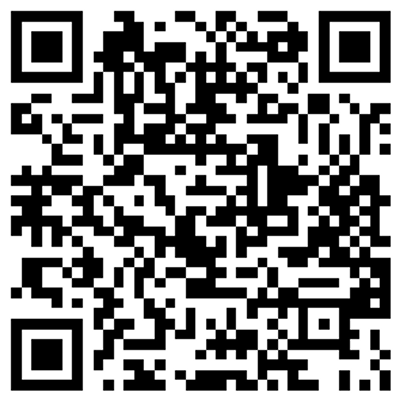
For faster access, scan the QR code below using your smartphone or tablet camera. Your device will automatically populate the wireless network settings and connect to the guest network.
Important Notes
*Guest Wi-Fi is intended for visitors and temporary access needs.
*Access to internal Meridian systems, network resources, and shared drives may be restricted while connected to the guest network.
*If you experience issues connecting to the network, contact the IT Department for assistance.
*Wi-Fi coverage and performance may vary depending on your location within the building and the number of connected users.
For any questions or issues regarding with Guest Wi-Fi, please contact helpdesk@meridian.org or IT@meridian.org.
