How to Add Photo
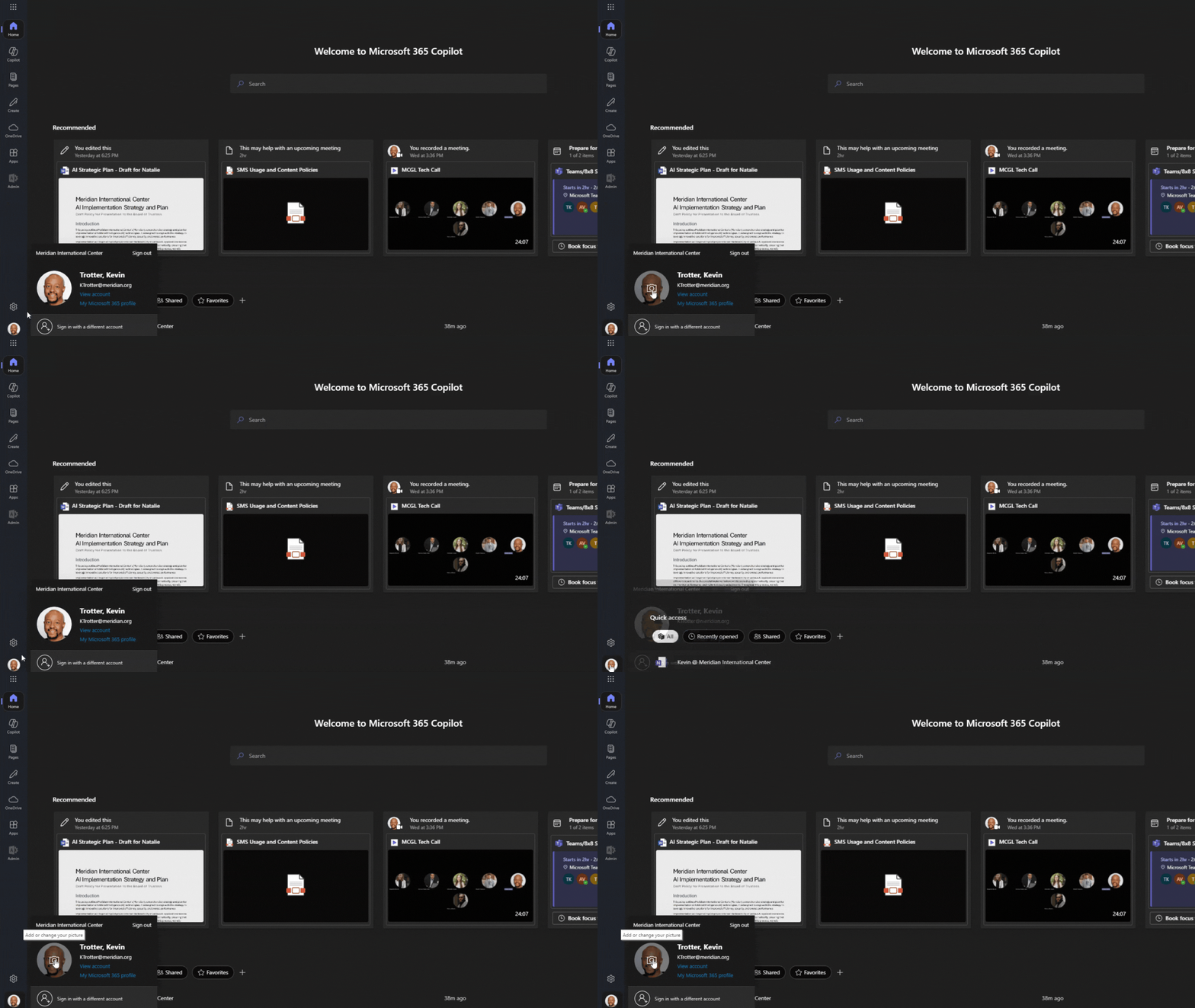
- First, go to your Office365 homepage - https://www.office.com/?auth=2
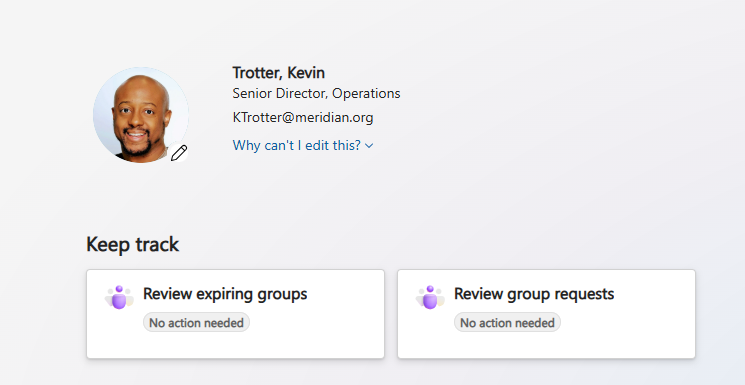
- To add your photo, either click on the silhouette icon at the lower left corner or click "View account".
- Hover over the larger silhouette until you see the camera icon. After clicking on the camera, you will be given the option to upload your photo.
*Please note it may take several minutes before your photo is registered.