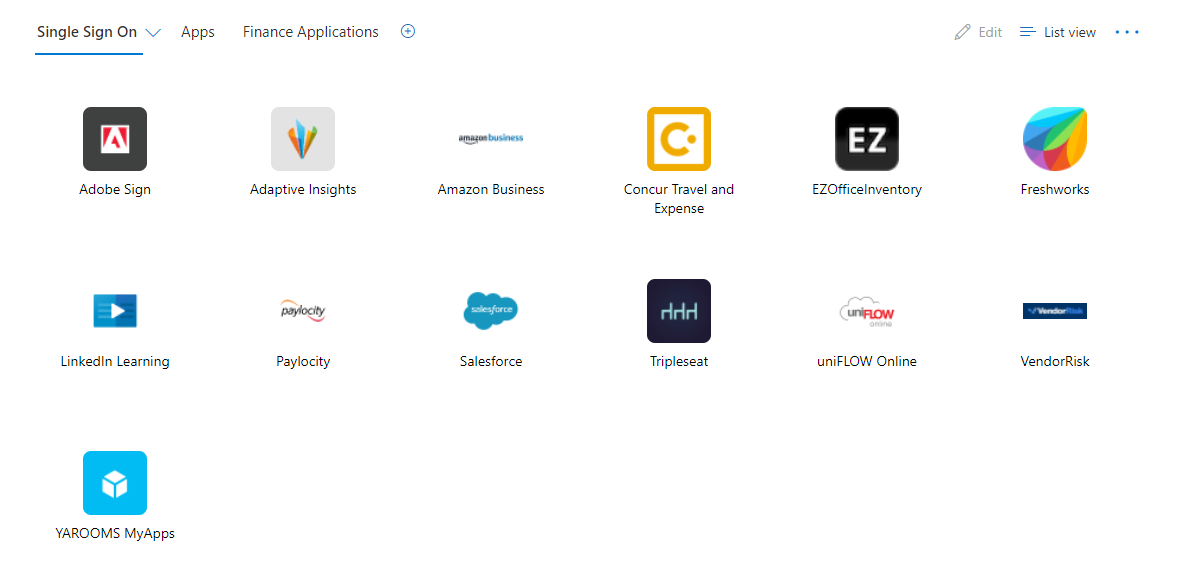
There are three ways to access your YAROOMS account: via online portal, Microsoft Teams app, and Myapps page. See details below:
Option 1. Online Portal:
- Click on the URL https://meridian-international-center.yarooms.com/account/login..
- From the login page, click "Login with Teams". (see image 1 below).
- You will then be taken to the Microsoft 365 Login screen. (see image 2 below)
- Enter your work email and Microsoft password.
- You're in!
Option 2. Microsoft Teams app:
- Open your Microsoft Teams app.
- Click the three dots at the bottom of your side taskbar. Then click option for “More apps”.
- Search for “YAROOMS” app and click to add. (see image 3)
- This should automatically pin YAROOMS to your side taskbar. If not, right click on YAROOMS app and select option to Pin.
- Click on YAROOMS app and you're in!
Option 3. Myapps:
- Go to your Myapps page.
- Under Single Sign On tab, select the app YAROOMS (see image 4)
- You're in!
If you experience any issues accessing your YAROOMS account, please contact IT at helpdesk@meridian.org
IMAGE 1
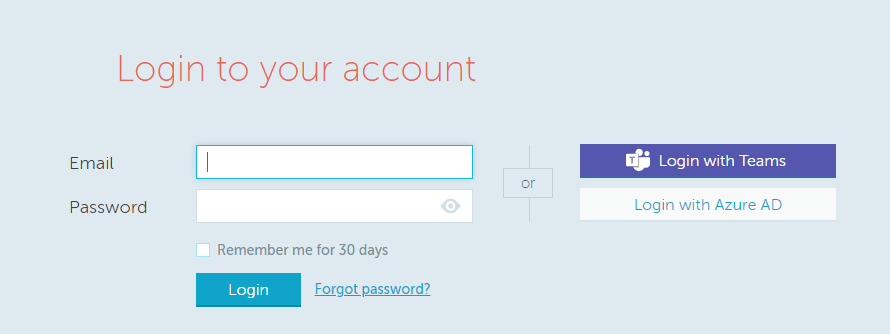
IMAGE 2
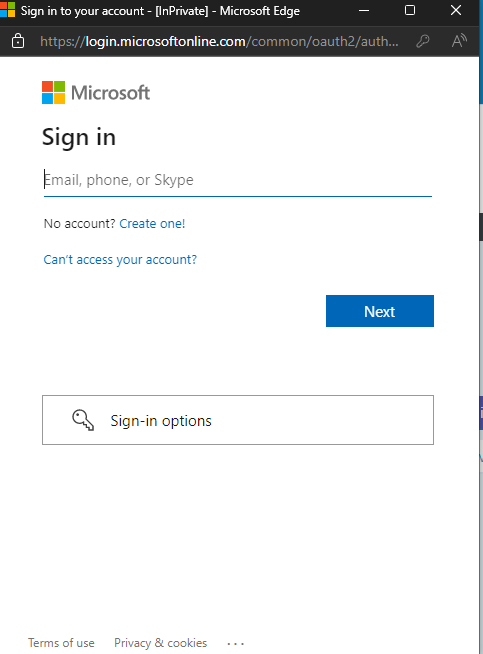
IMAGE 3
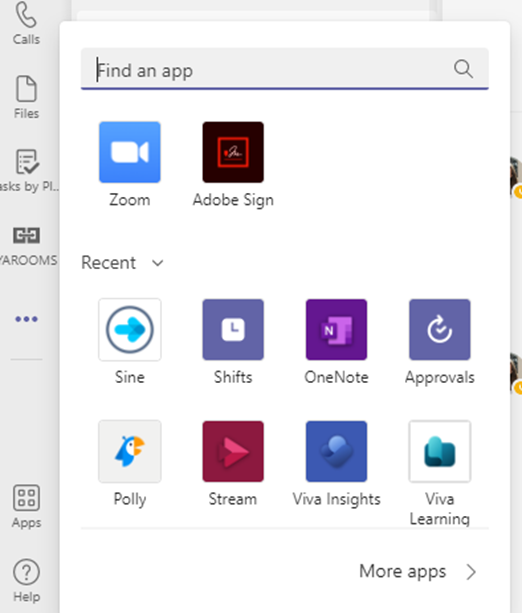
IMAGE 4