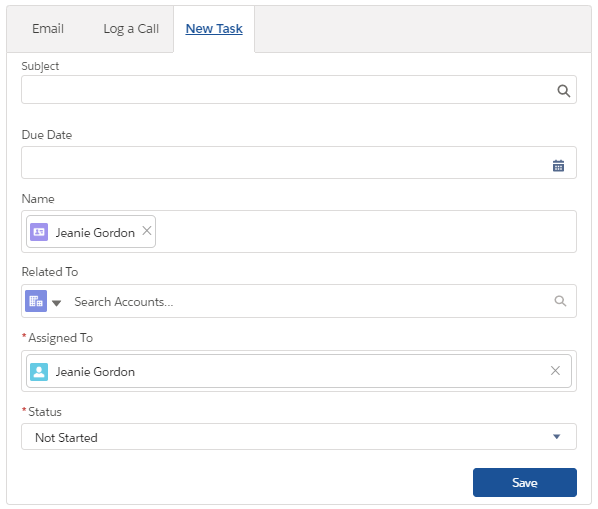
Creating a Task
Within Salesforce you can create tasks and reminders for yourself. You can connect them to Contacts and Accounts, and can view them through either object.
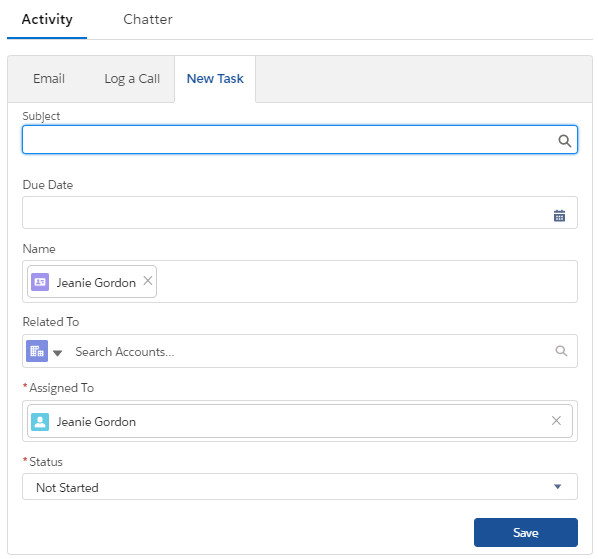
By setting a due-date for the Task, you will ensure that you receive reminders from Salesforce on your upcoming Tasks. The reminder will pop-up in your Salesforce when you are at your due-date but haven't updated the "Status" field to "Complete."
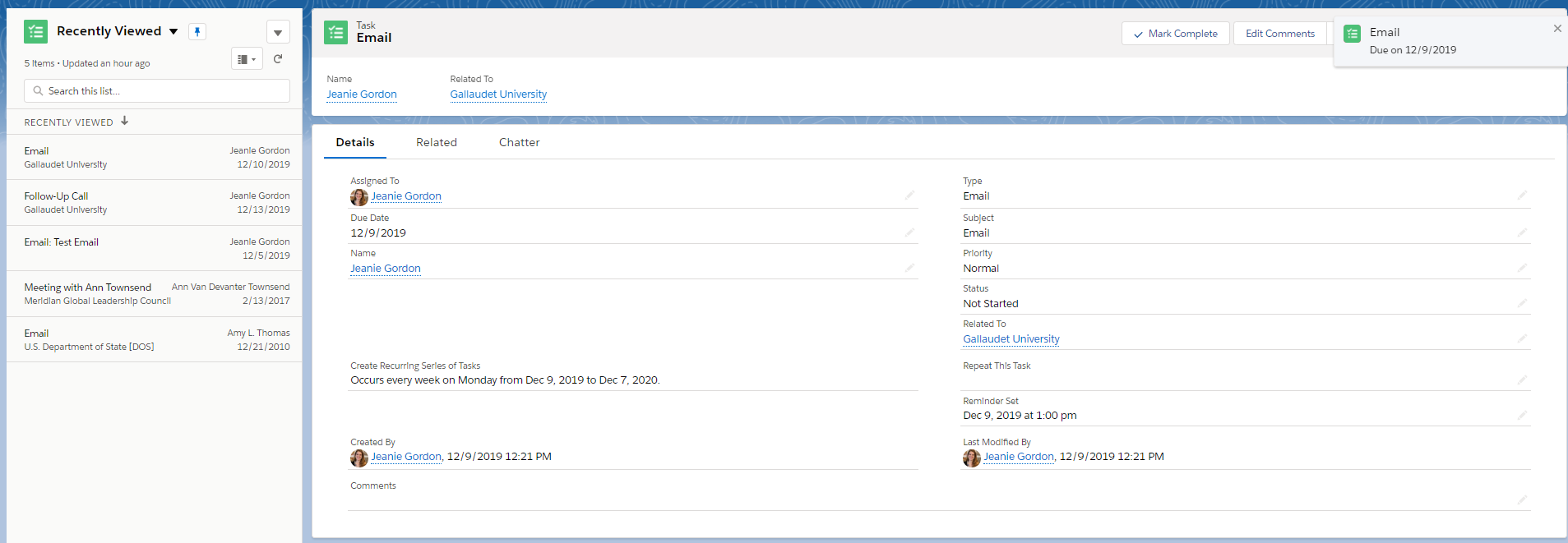
Recurring Tasks:
You can set up recurring tasks as well, so if you need to send an email to someone every week, or once a month, you can prompt yourself with reminders to do that within the Task set-up.
Assigning Multiple People to One Task
You can also assign multiple people to one task! When creating the task, just assign it to multiple users. Staff must be active users in Salesforce for them to be connected to Tasks.
Send an Email, Create a Task
Once you mark a task as complete, Salesforce will save the Task on the original record, but show that it is no longer in need of completion.
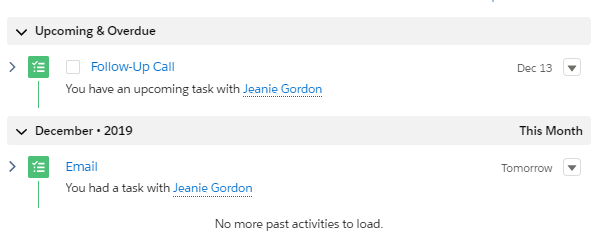
More details on Activities can be found here.