Meridian Home Page
Print
Created by: Kevin D Trotter
Modified on: Thu, 23 Oct, 2025 at 6:44 PM
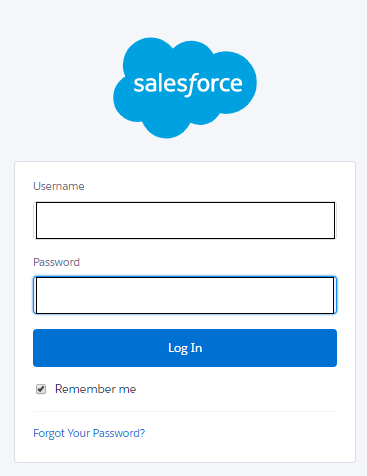
Your Salesforce login details were sent to your Meridian email address. You username is the same as your email. If you do not recall your password, please email Salesforce@meridian.org
After logging in, your home screen will appear.
Note: Each division has its own home page, which may differ slightly.
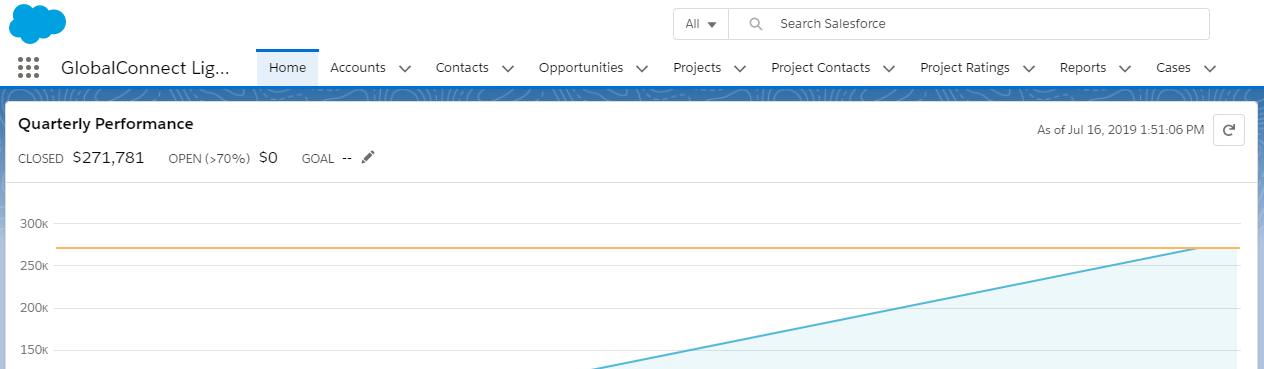
Salesforce groups your data into logical categories called Objects. An object is a collection of fields named for the kind of information those fields capture. Objects include Accounts, Contacts, Opportunities, Campaigns, Projects, and Reports.

These Objects appear as Tabs at the top of your homepage.
Note: you may see some or all of these Object Tabs – each division has its own set of security and privacy settings. If you have questions, please contact Harold Rogers.
Accounts: Accounts can represent either Households or Organizations. Households are a mandatory way of grouping people in the database.
Household Accounts: All Contacts must belong to a Household Account. By default, when you create a new person/Contact e.g. John Smith, a new "John Smith Household" will be automatically created for him. You can group multiple people who live under the same roof into one household.
Organization Accounts are used to link Contacts to their respective employer. Contacts do not belong to an Organization account – that way, if an individual moves to a new organization, the individual remains within their household and is linked to the new organization.
Contacts: Represent individuals.
Opportunities: Opportunities are monetary or non-monetary transactions. Opportunities may include contracts or grants, individual donations or ticket purchases, or non-monetary opportunities such as an invitation to a speaker or an in-kind donation.
Campaigns: Campaigns are a way of bucketing people and/or money in Salesforce. Campaigns can be used to represent events (i.e. The 50th Annual Meridian Ball), to group people (i.e. Meridian’s Corporate Council), or to bucket money (i.e. the Annual Fund).
Campaign Members: Campaign Members are Contacts that are connected with a Campaign. The Campaign Member serves as an intermediary between the Contact and the Campaign.
Projects: Projects represent GlobalConnect, IVLP, or MCCD projects.
Project Visitors: Any visitor or participant on a project will have their individual progress through said project tracked here.
Project Contacts: Any additional individual involved in a project - Project Contacts can include Meridian program staff, State Department or CBM contacts, interpreters/liaisons, etc.
Resources: Any Organizational account that was involved with a Project - similar to Project Contacts but for Accounts.
Funds: A way of easily bucketing where money is going to. An opportunity must be allocated to at least one fund. Funds reflect the name of the sub-account associated with this activity, i.e. 2015 Meridian Ball or Public Programs.
Reports: A report returns a set of records that meets certain criteria, and displays it in organized rows and columns. Report data can be filtered, grouped, and displayed graphically as a chart. Reports can be saved in folders for future use.
List Views: Lists of records relating to just one Salesforce object - ie. only Accounts OR Contacts. You can edit the values you see and even in-line edit records.
Dashboards: Visualizations of data based off of Reports.
Kevin is the author of this solution article.
Did you find it helpful?
Yes
No
Send feedback Sorry we couldn't be helpful. Help us improve this article with your feedback.
